For iPhone and iPad
Routes and climbs.
Cycling training.
Your next ride.
Bring a route. Record the ride. Find a training plan for what comes next.
Coming to the App Store
What Glood is for
What do you want from your riding?
The ride loop
One ride, start to finish.
From the route you load to the training load you see afterwards.
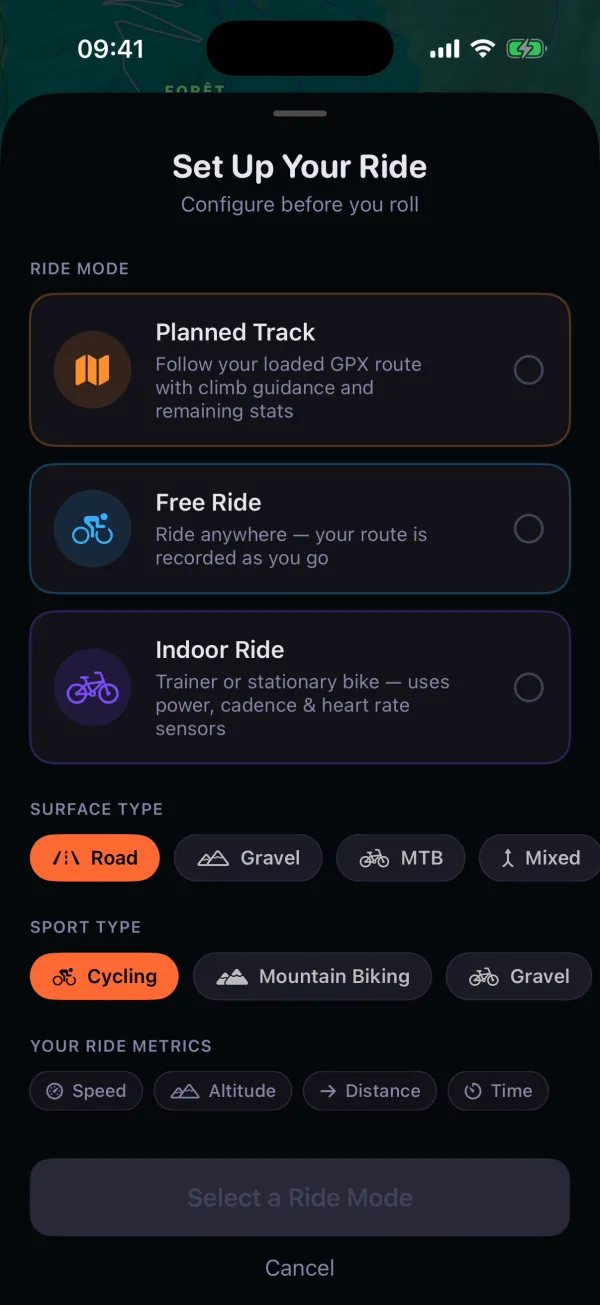
Load the route
Choose a planned track or a free ride, then start.
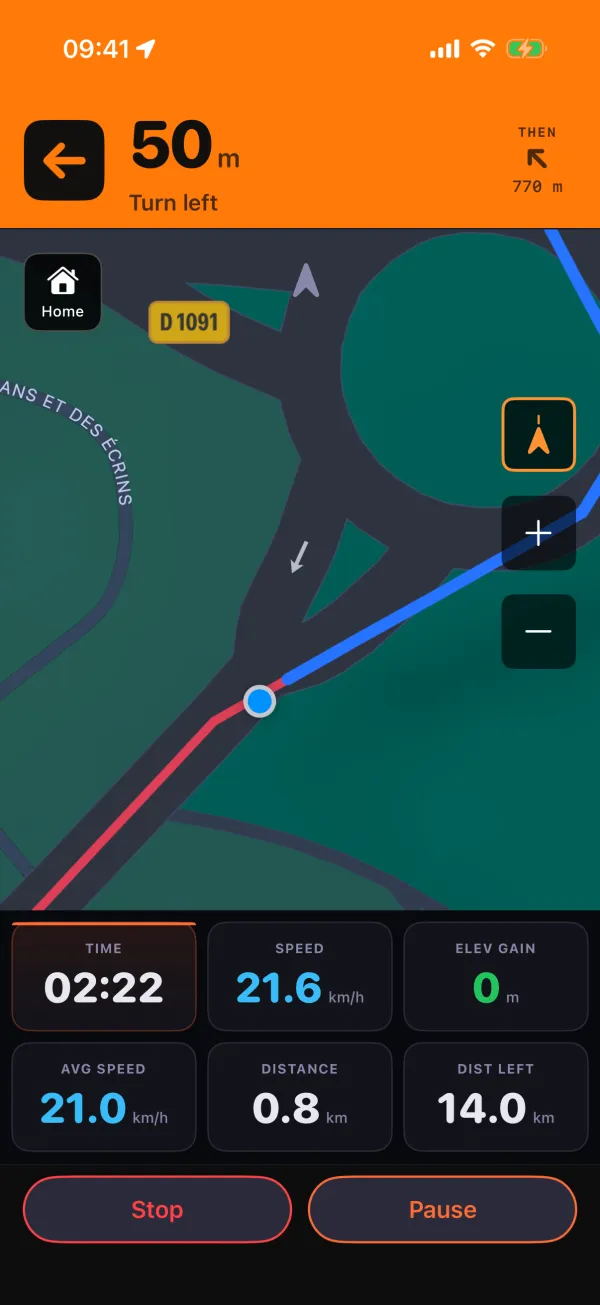
Ride it
Record the ride and see its live ride data.
Review it
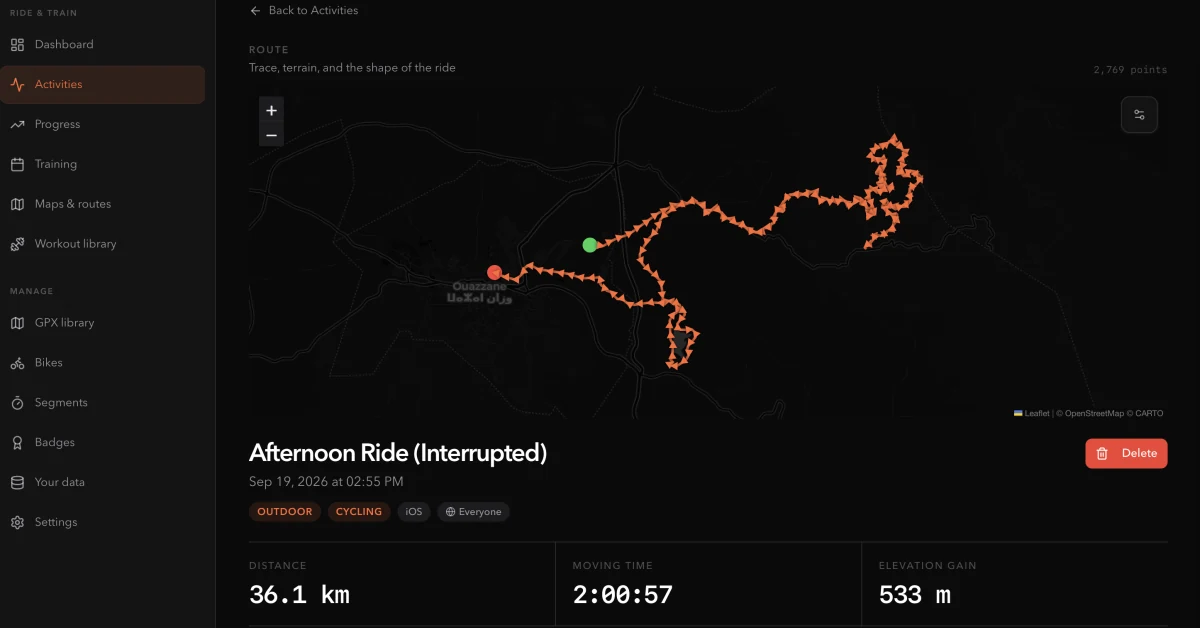
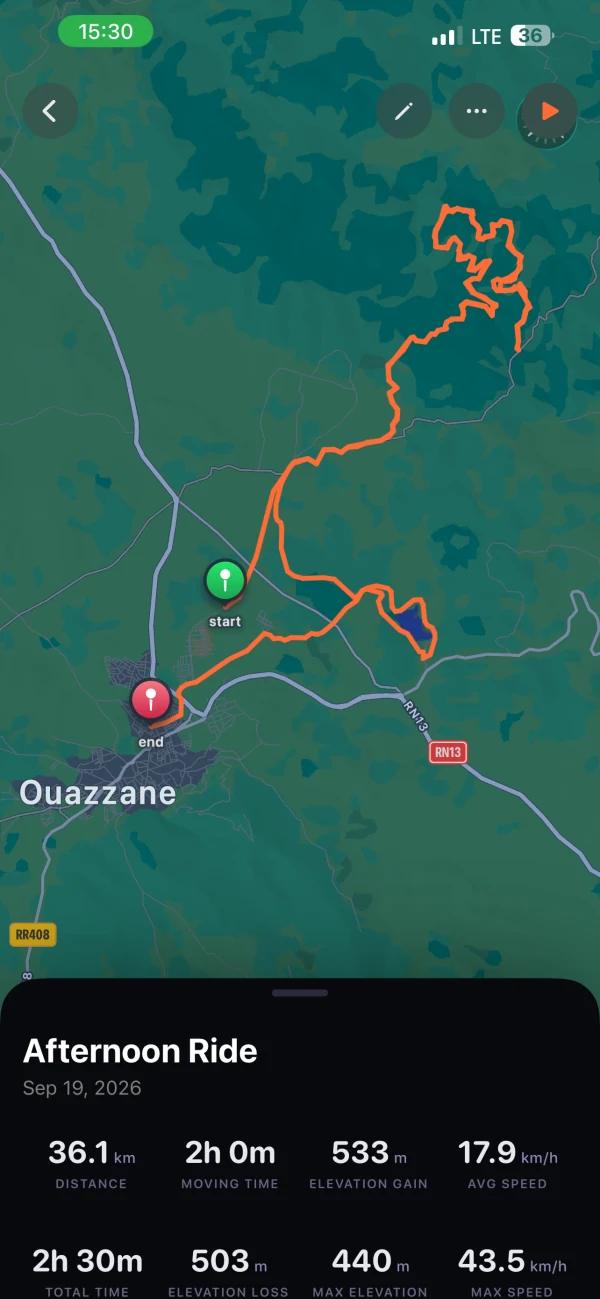
Look back at your recorded route and the activity’s best efforts.
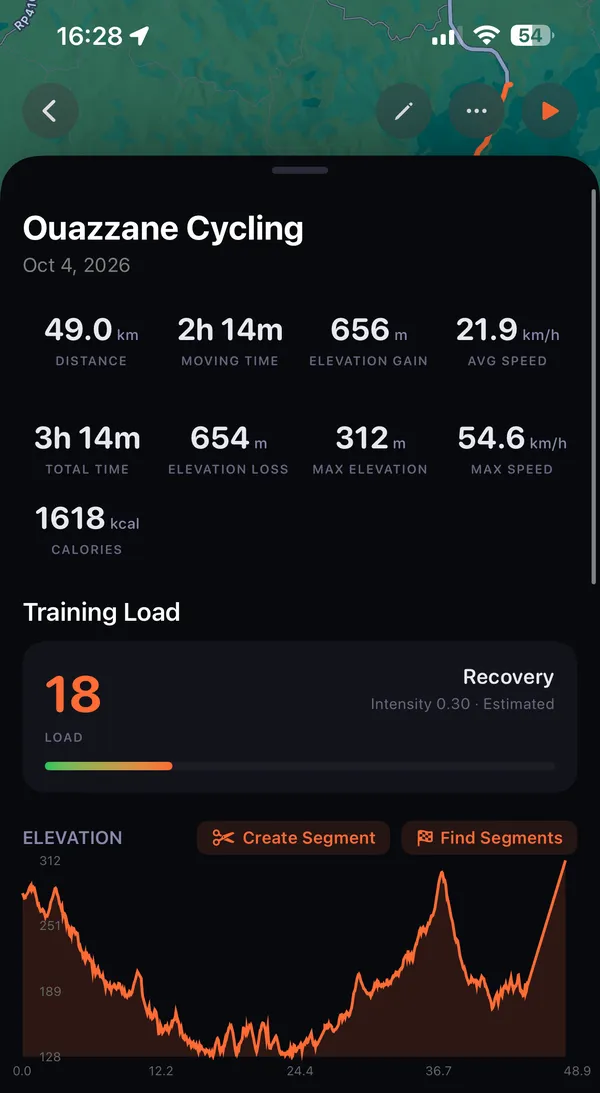
See the training load
See the ride’s load in the context of fitness, fatigue and form.
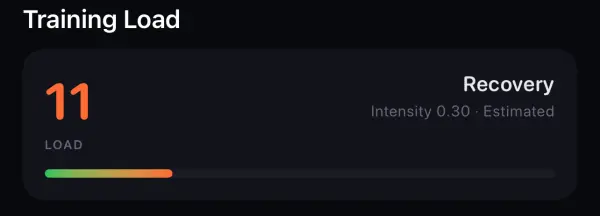
Get stronger
Give each week a direction.
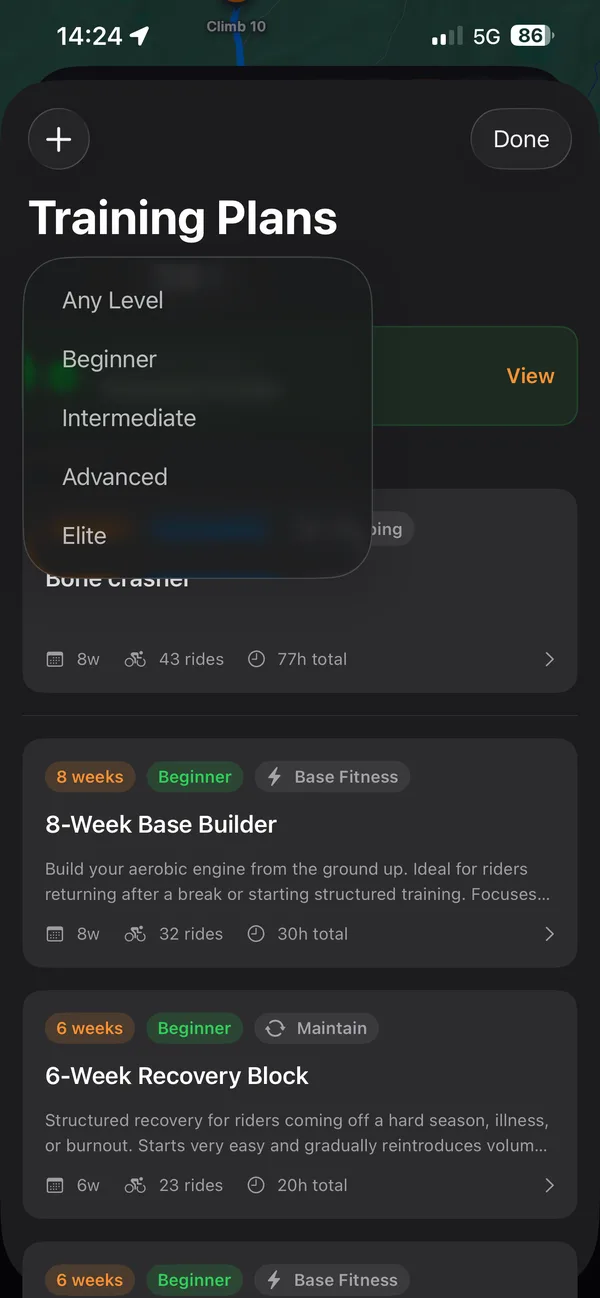
Find your starting point.
Choose Beginner, Intermediate, Advanced or Elite, then a plan for your level.
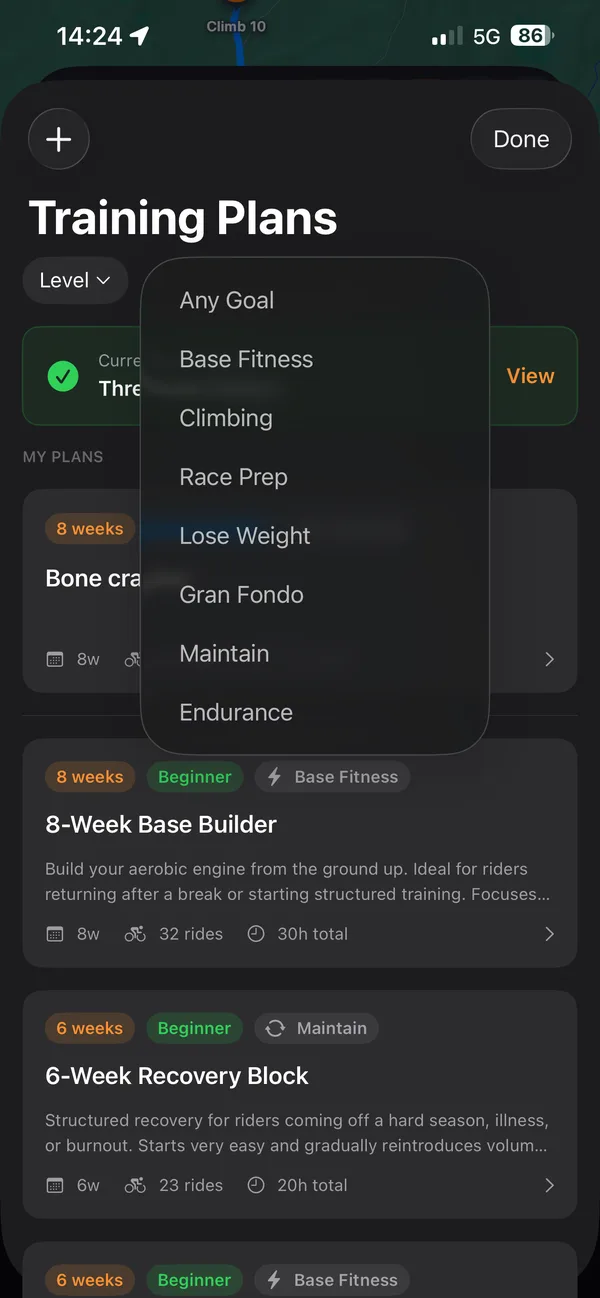
Choose what you are training for.
Filter plans by goal: base fitness, climbing, race prep, gran fondo, endurance and more. Then read a plan’s workouts, total time and weekly volume before you start.
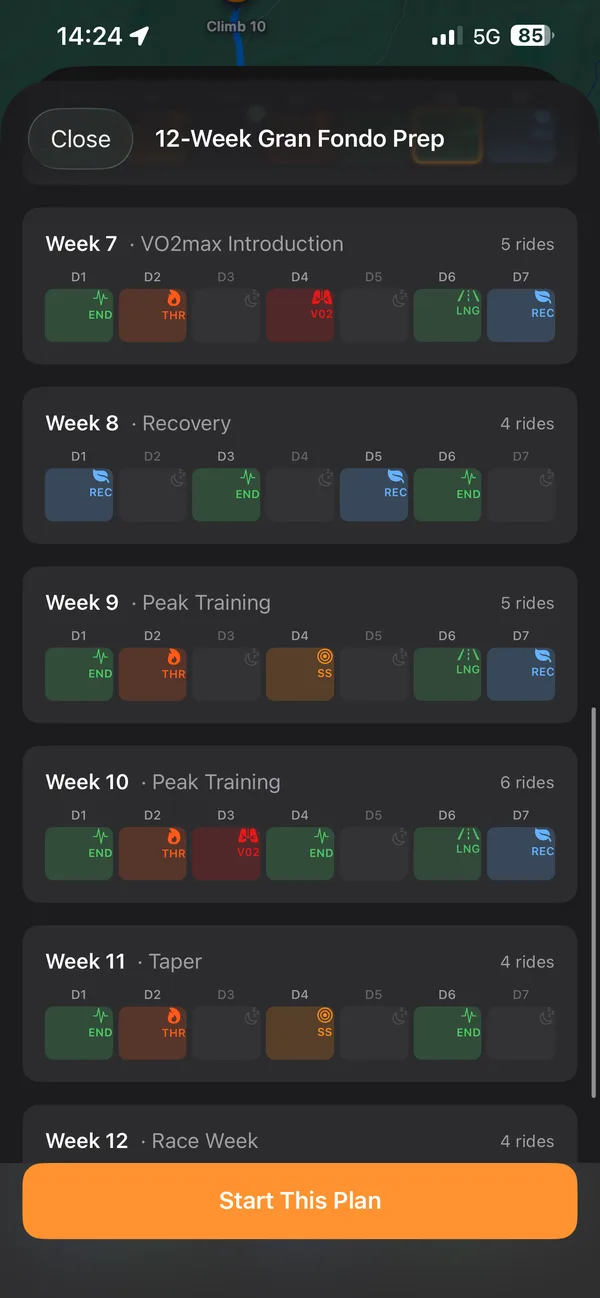
Every week, laid out.
Day by day, from base building to peak training, taper and race week.
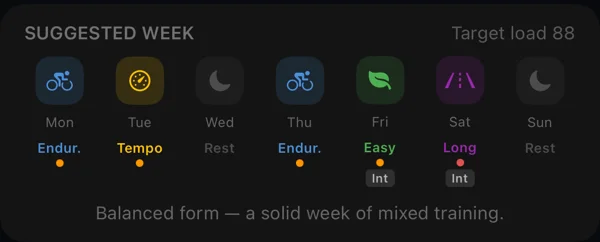
Look at the week ahead.
Suggested Week shows target load and day types after at least 14 days of training data.
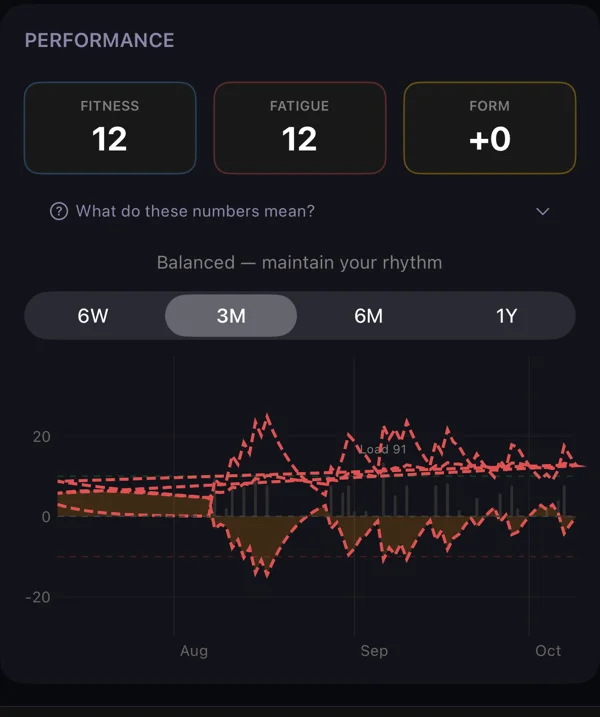
See the bigger picture.
Read your load alongside fitness, fatigue and form.
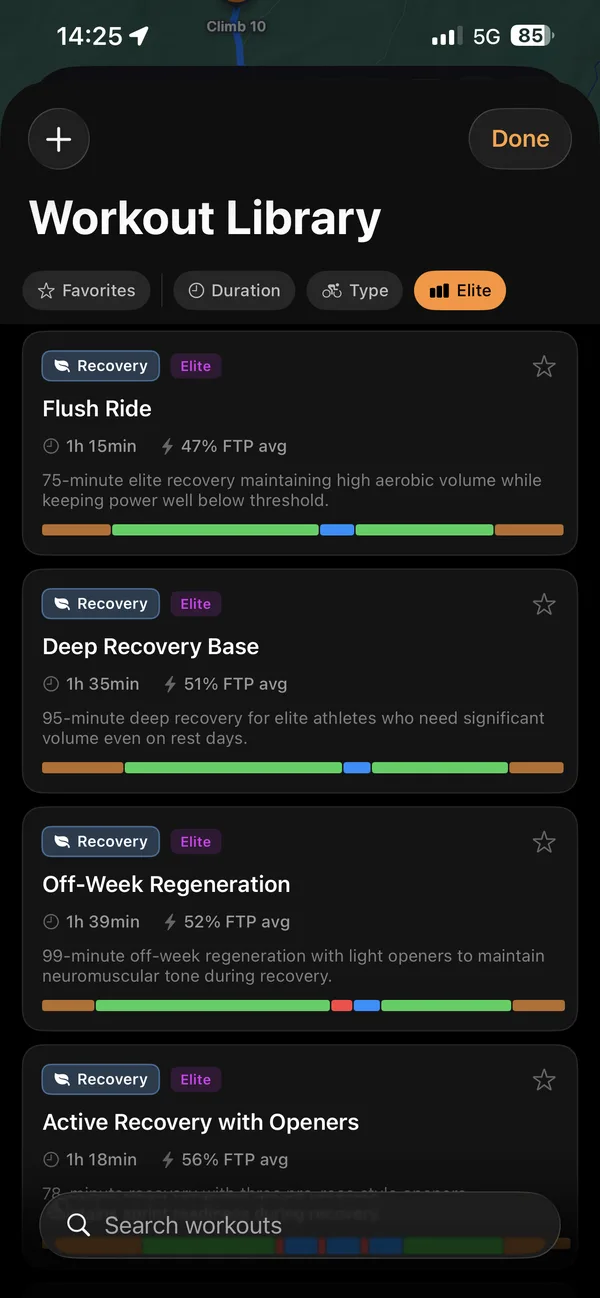
Cycling workouts and training plans, from Beginner to Elite
Start at your level. Then aim higher: you can do better than your last ride.
Start where you are.
Beginner, Intermediate, Advanced or Elite: the library shows sessions for the level you choose.
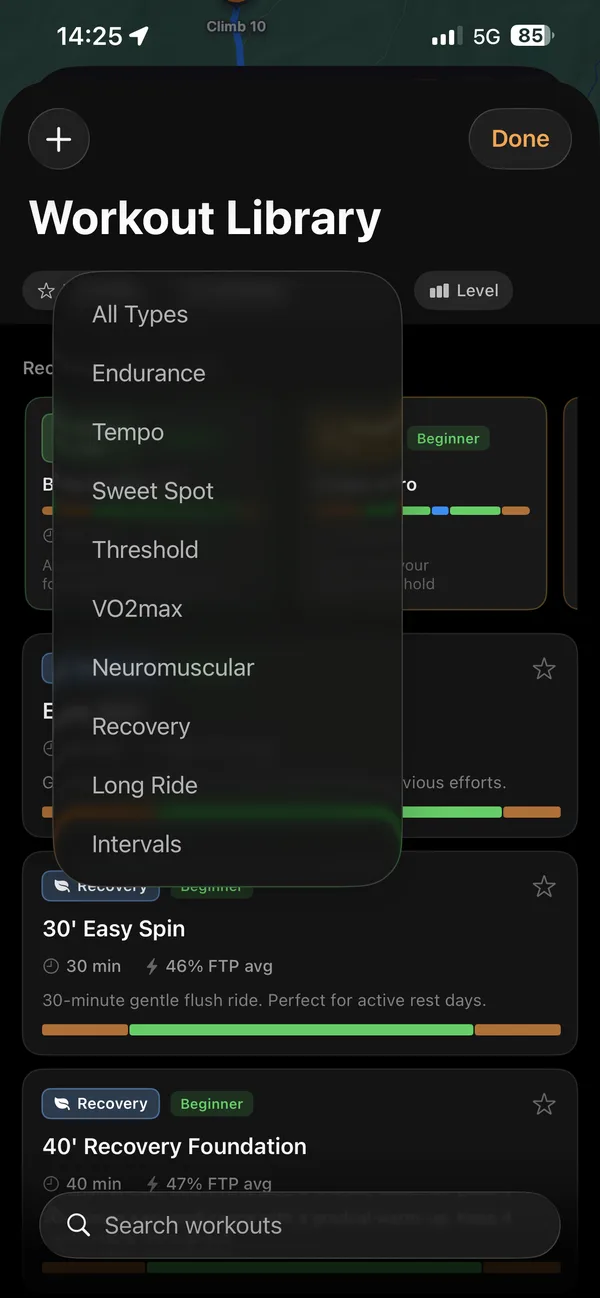
Try a new kind of session.
Endurance, tempo, sweet spot, threshold, VO2max, neuromuscular, long rides and intervals.
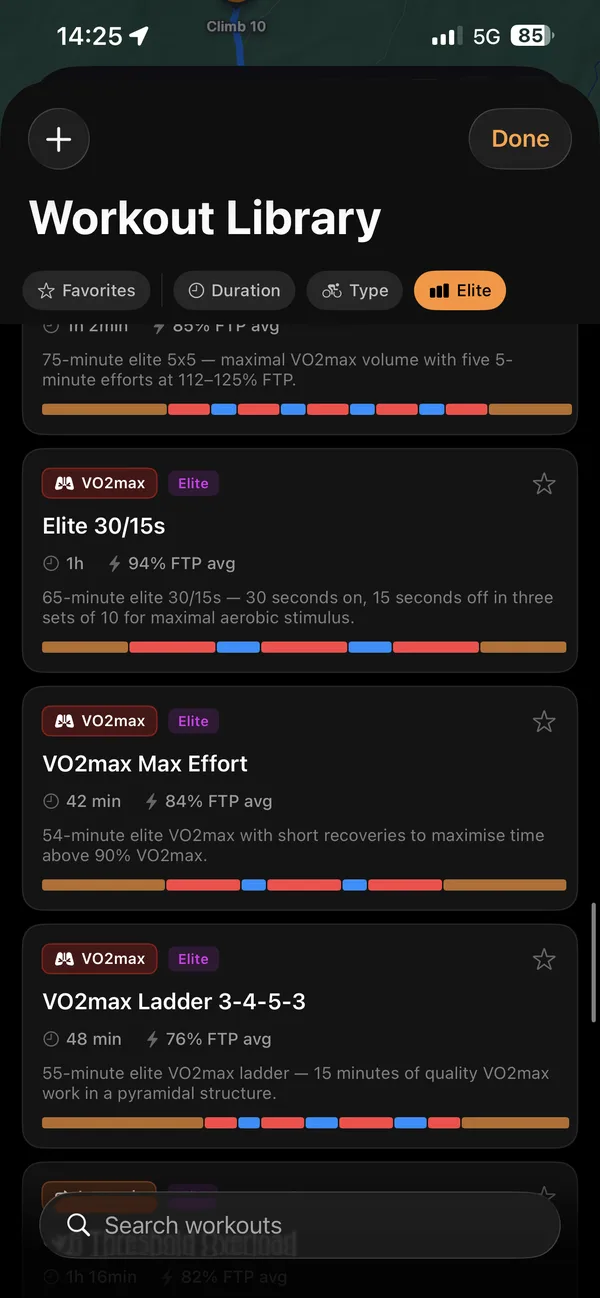
Then go all the way to Elite.
Pro-level efforts, already built: Elite 30/15s, VO2max ladders and more, each with its duration and intensity.
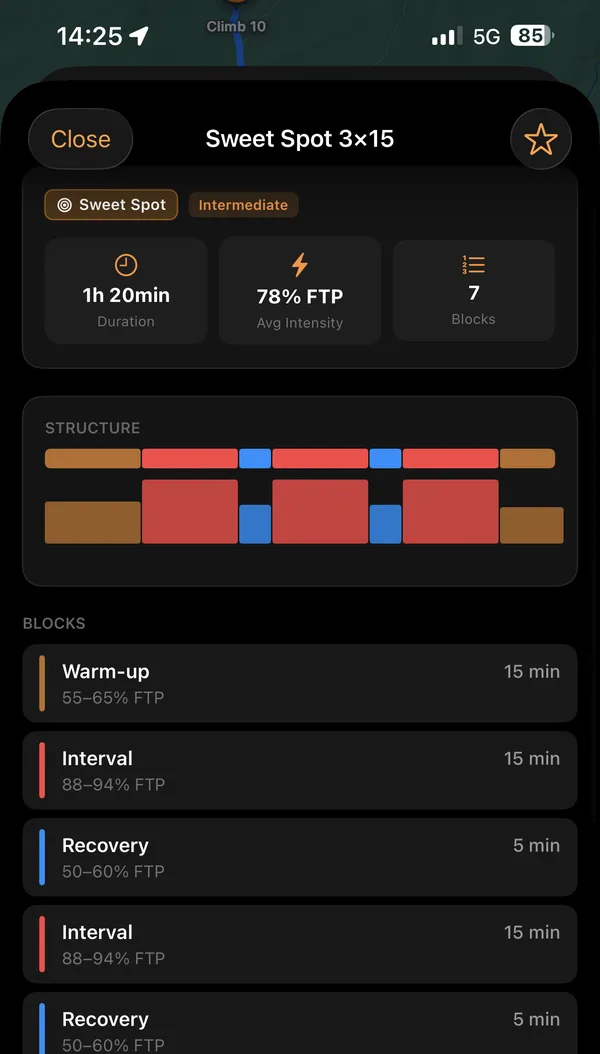
Know every block.
Each workout’s structure: duration, average intensity and every interval.
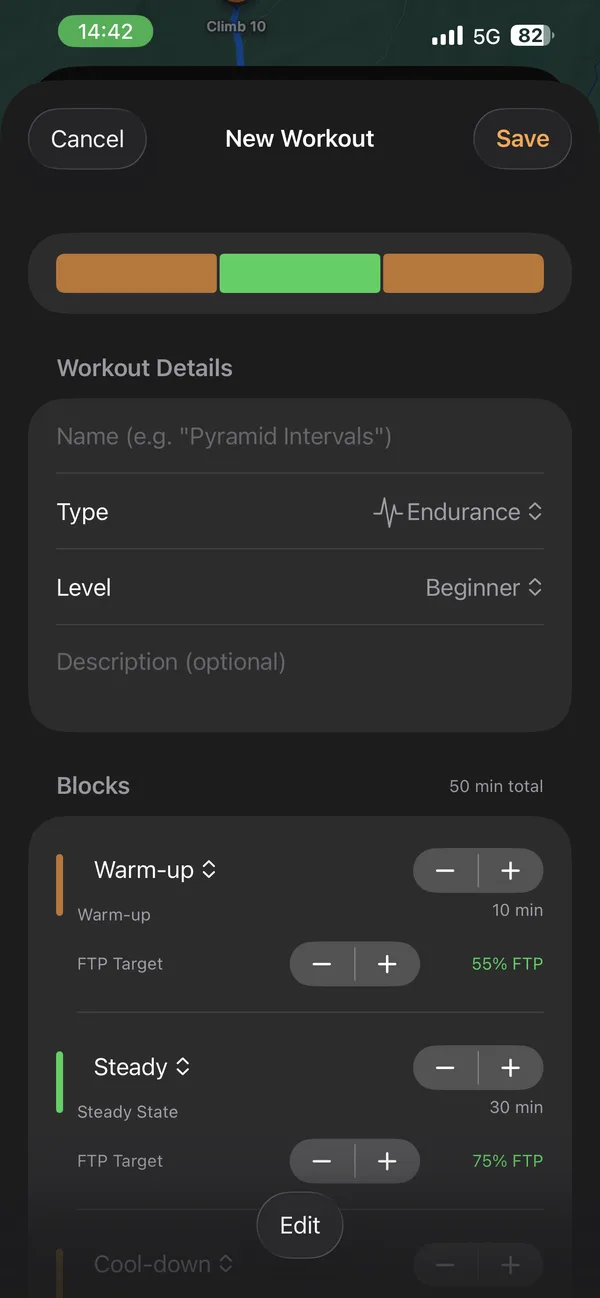
Not quite right? Build your own workout.
Name it, choose its type and level, then set each block’s length and target.
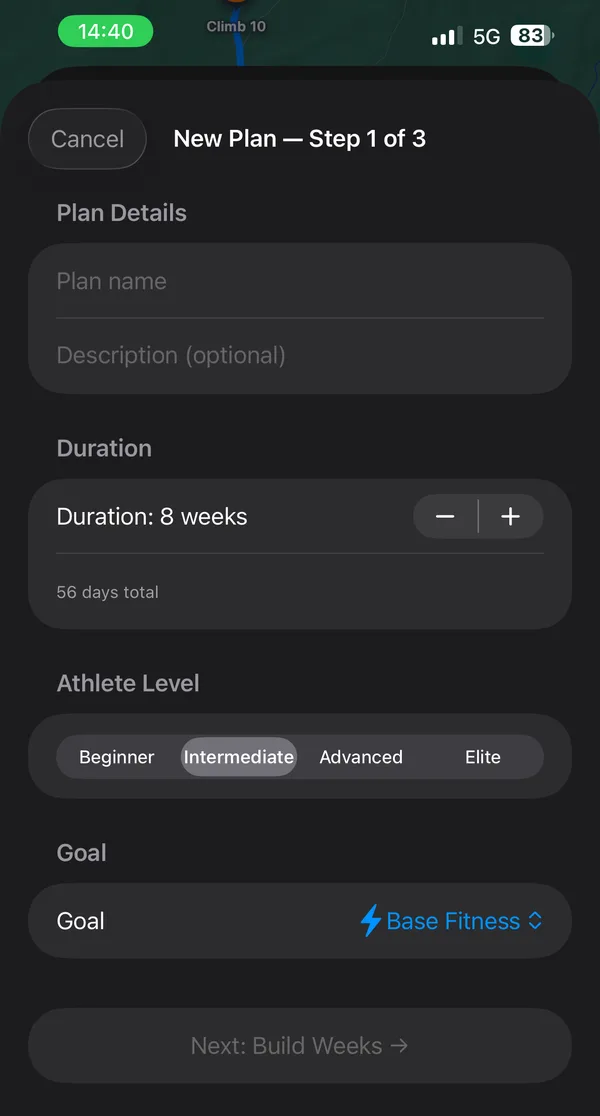
Or a whole plan.
Set its length, level and goal, then build it week by week.
Ride somewhere new
Bring a route. Look ahead to its climbs.
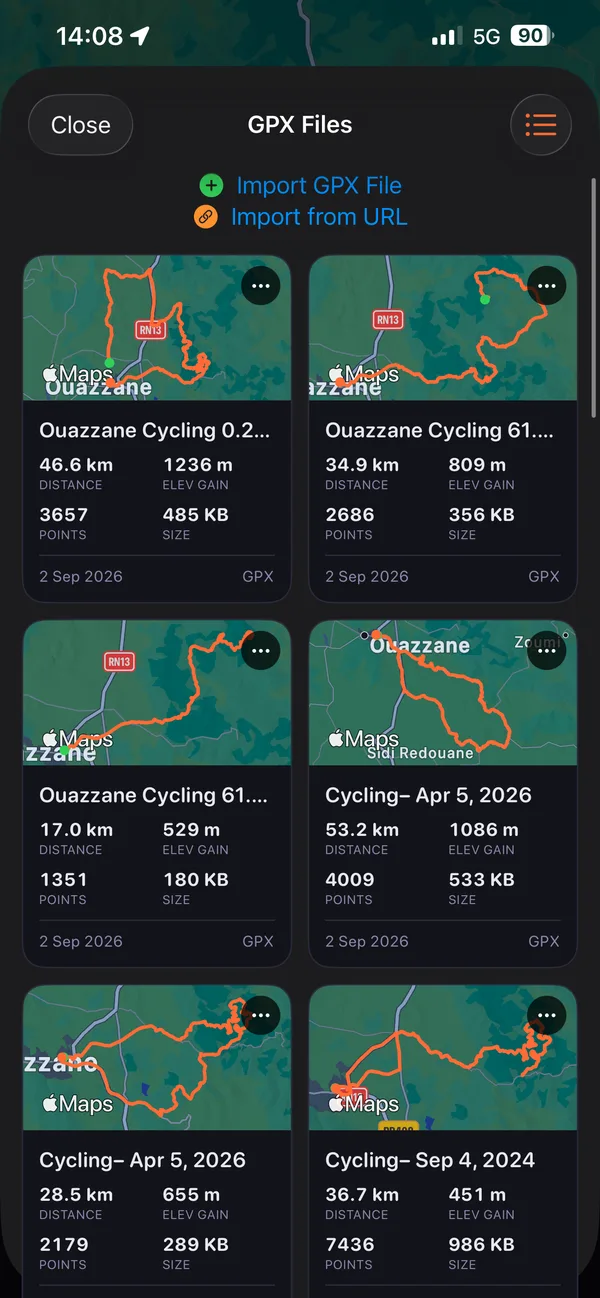
Bring your route.
Import a GPX file, or paste a link to one.
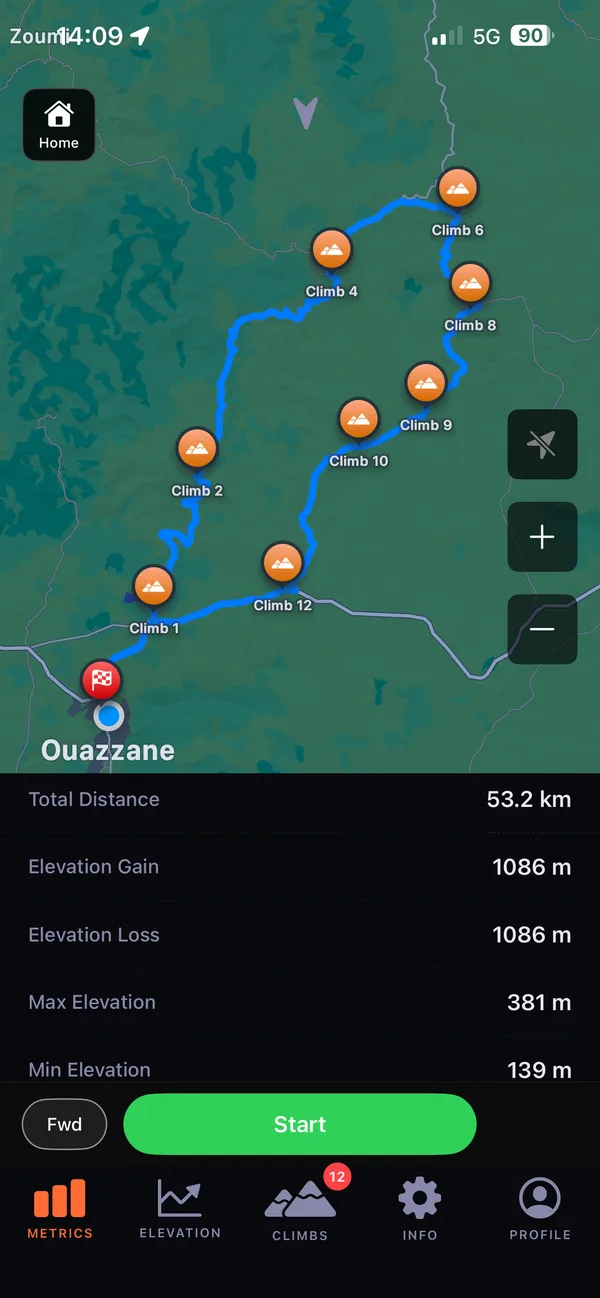
See what is ahead.
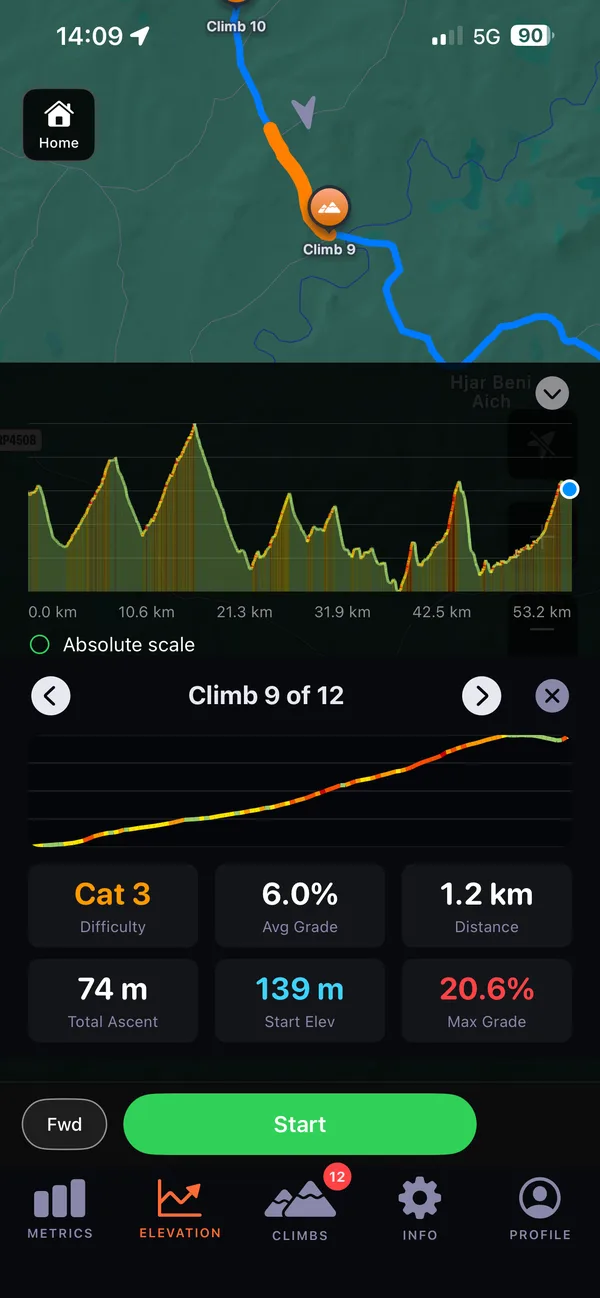
Open a GPX route with elevation data to see its climbs.
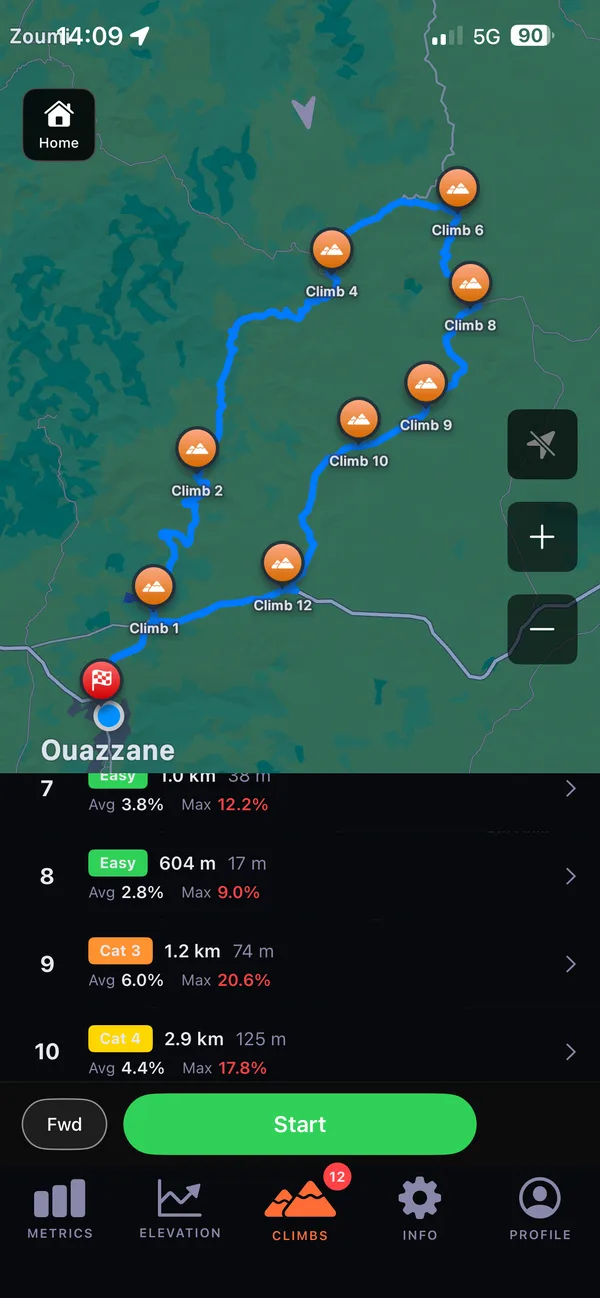
Every climb, listed.
Each climb with its category, length, ascent and grades.
Open any climb.
Its profile, difficulty, and average and maximum grade.
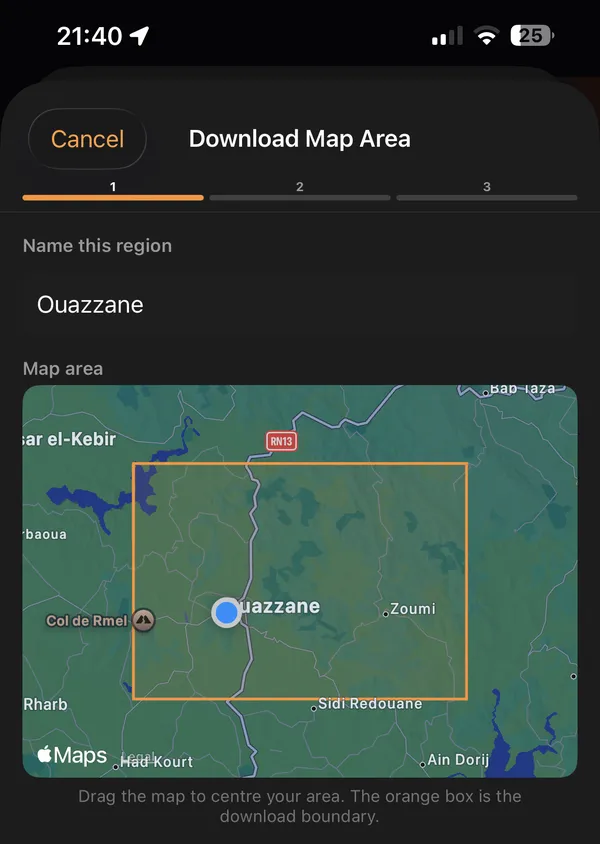
Prepare before you leave.
Download a map region, or the maps along your route, then record without a network connection.
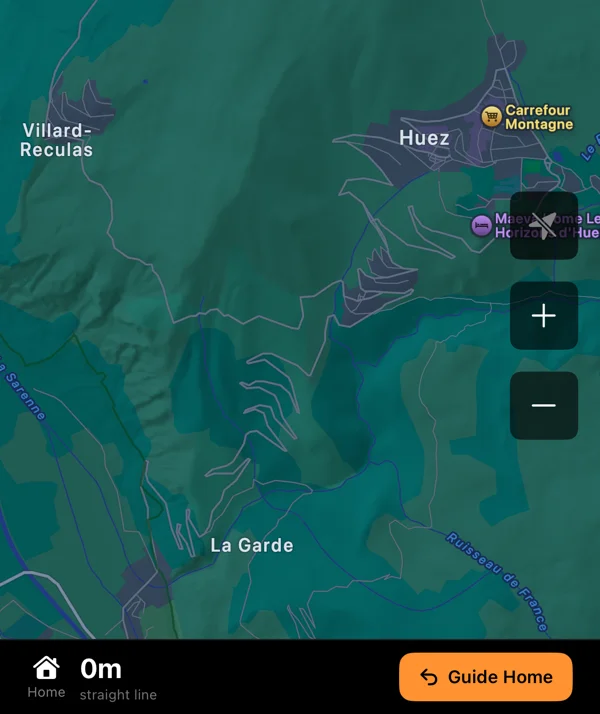
Find your way home.
On a free ride, open directions to your start.
Beat your best
Make your past rides the reference.
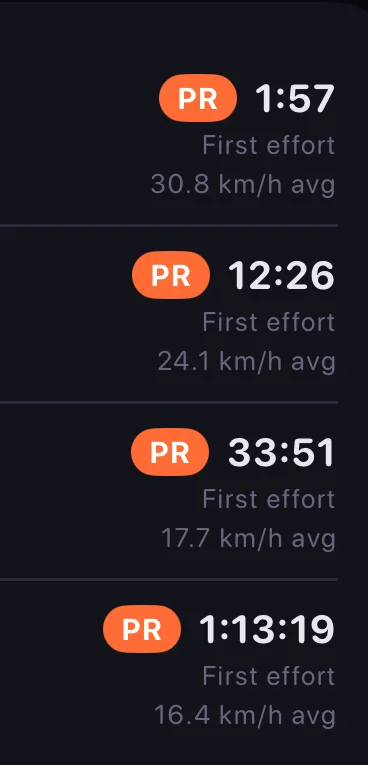
Know your best efforts.
Find them in your recorded activities.
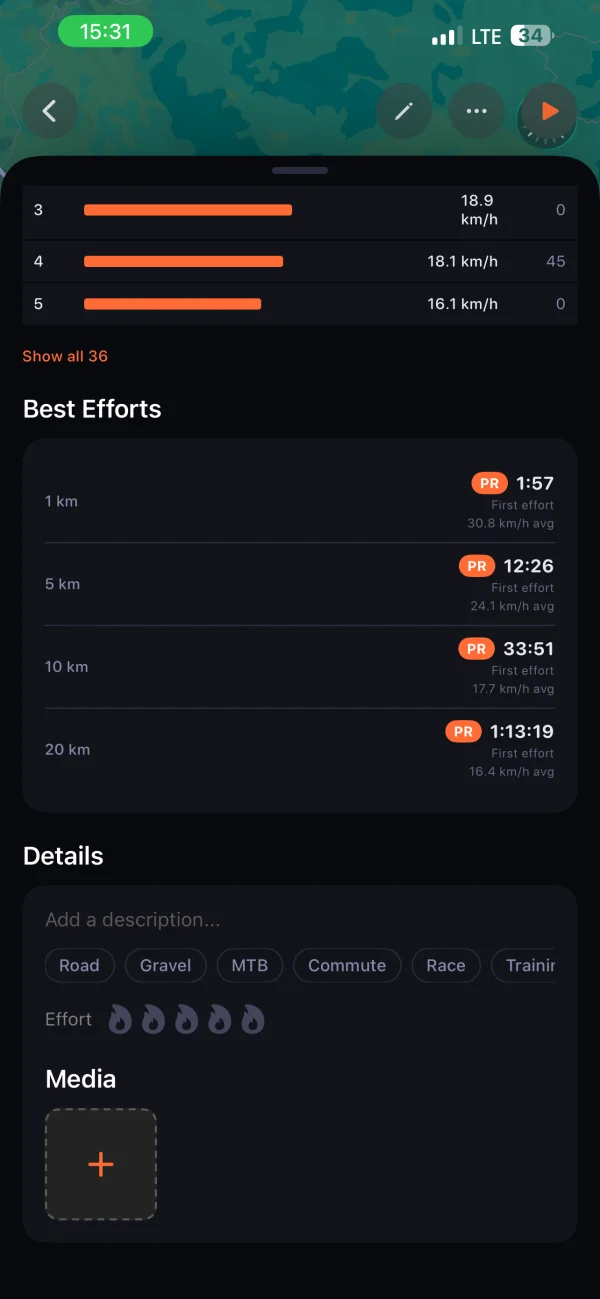
Compare with your history.
See your personal records.
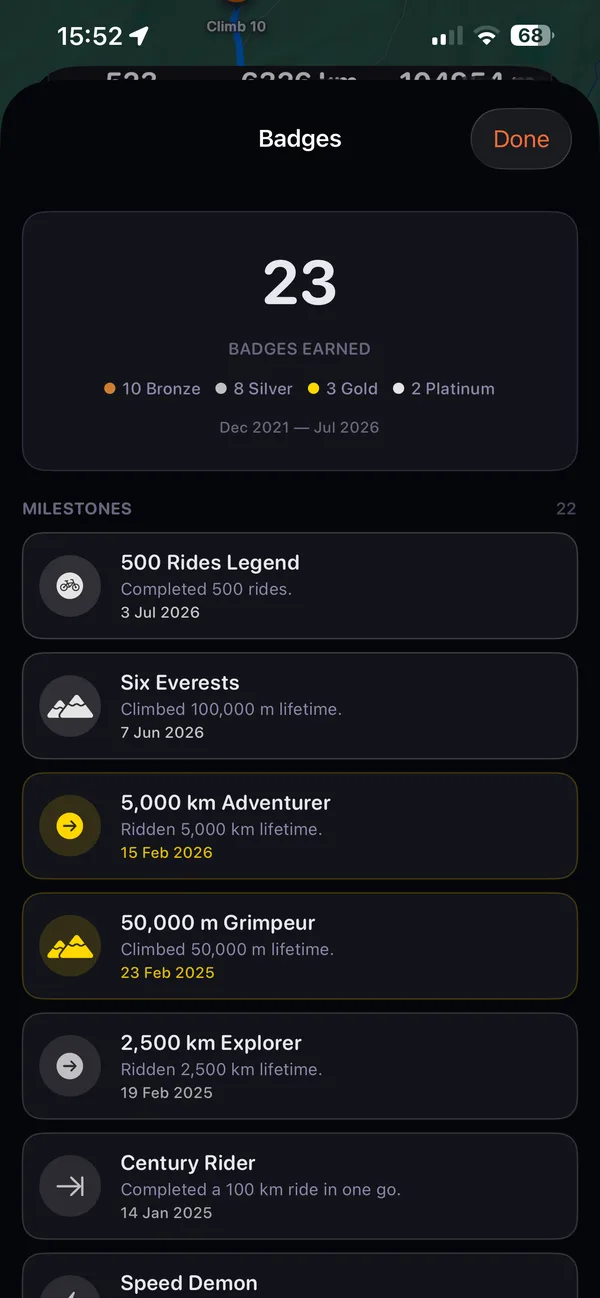
Mark the milestones.
Look back at the badges you have earned.
Ride with confidence
Keep an emergency contact within reach.
Set your contact.
Add an emergency contact in the app.
Choose whether to send.
A no-movement alert can offer to open a message; you choose to send it.
Watch your battery.
Look for battery warnings during the ride.
Collect climbs
Collect climbs.
Leave a trail of roads ridden.
Keep a climb passport and see the roads you have ridden on a map.
Your climb passport
Look back at your recorded climbs and their details in the passport.
Roads you have ridden
Build up a map of your recorded roads, ride by ride.
A climb around the bend
On a free ride, climb detection shows candidates ahead when road and elevation data is available.
See free-ride climb candidates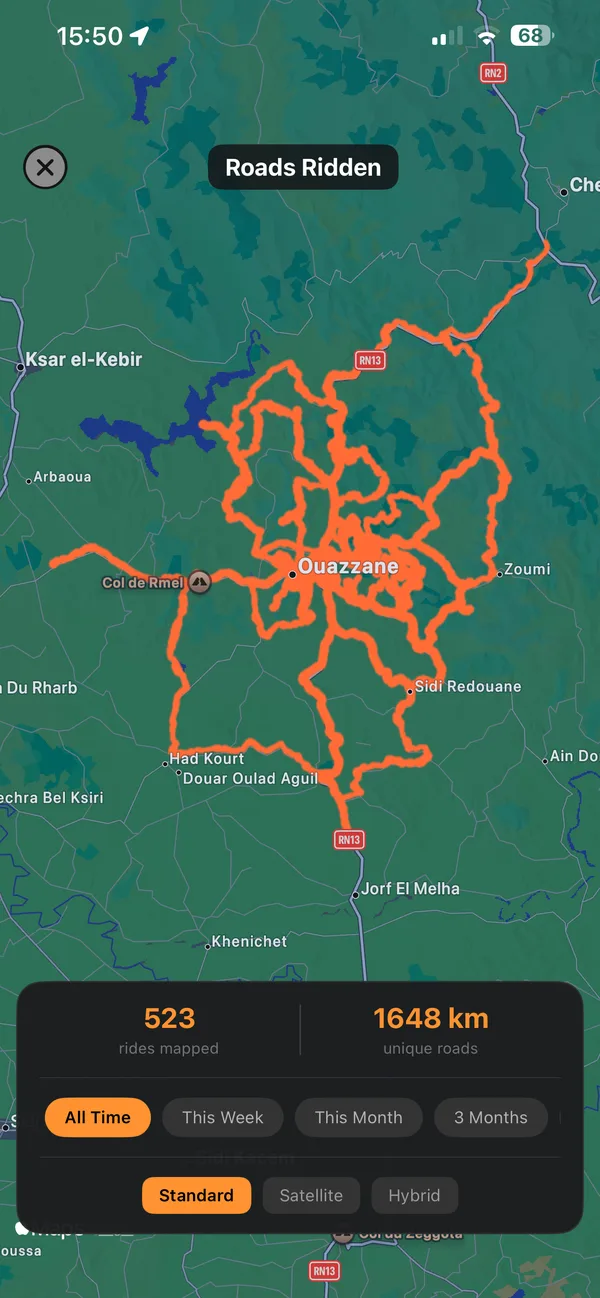
Why Glood exists
It started with a ride that went wrong.
Lost kilometres off a GPX route, a four-hour ride became eight hours in mud and darkness. Glood is what came after.
Read the storyFAQ
Before your next ride.
Does Glood work offline?
Download map coverage for your planned route before you leave, then use it and record your ride without a network connection.
Which devices is Glood made for?
Glood is made for iPhone and iPad.
Can I import my old rides?
You can import activity history from your phone’s health data when you grant permission.
Can I bring my own GPX route?
Open a GPX route with elevation data to see its climbs, or reverse it to ride in the other direction.
How does Glood choose my training level?
You choose Beginner, Intermediate, Advanced or Elite during onboarding; if your level is unset, Glood can suggest one after at least 20 rides longer than 500 metres.
Can I export my ride data?
You can export a ZIP containing activity GPX files, activity-summary JSON and saved GPX routes.
Does Glood send an emergency message automatically?
A no-movement alert can offer to open a message to your emergency contact, which you choose to send.